01 / Context
Control Model Context
See the model, search mode, loaded project instructions, and discovered skills before the first prompt. Pin, drop, recover, or export context when you need more control.
Your minimal pair programmer
thndrs loads the AGENTS.md guidance and skills that apply to your task, then gives your chosen model visible, bounded tools. Requests go straight to the provider. Session data stays on your device, ready to inspect or resume.
cargo install --locked thndrs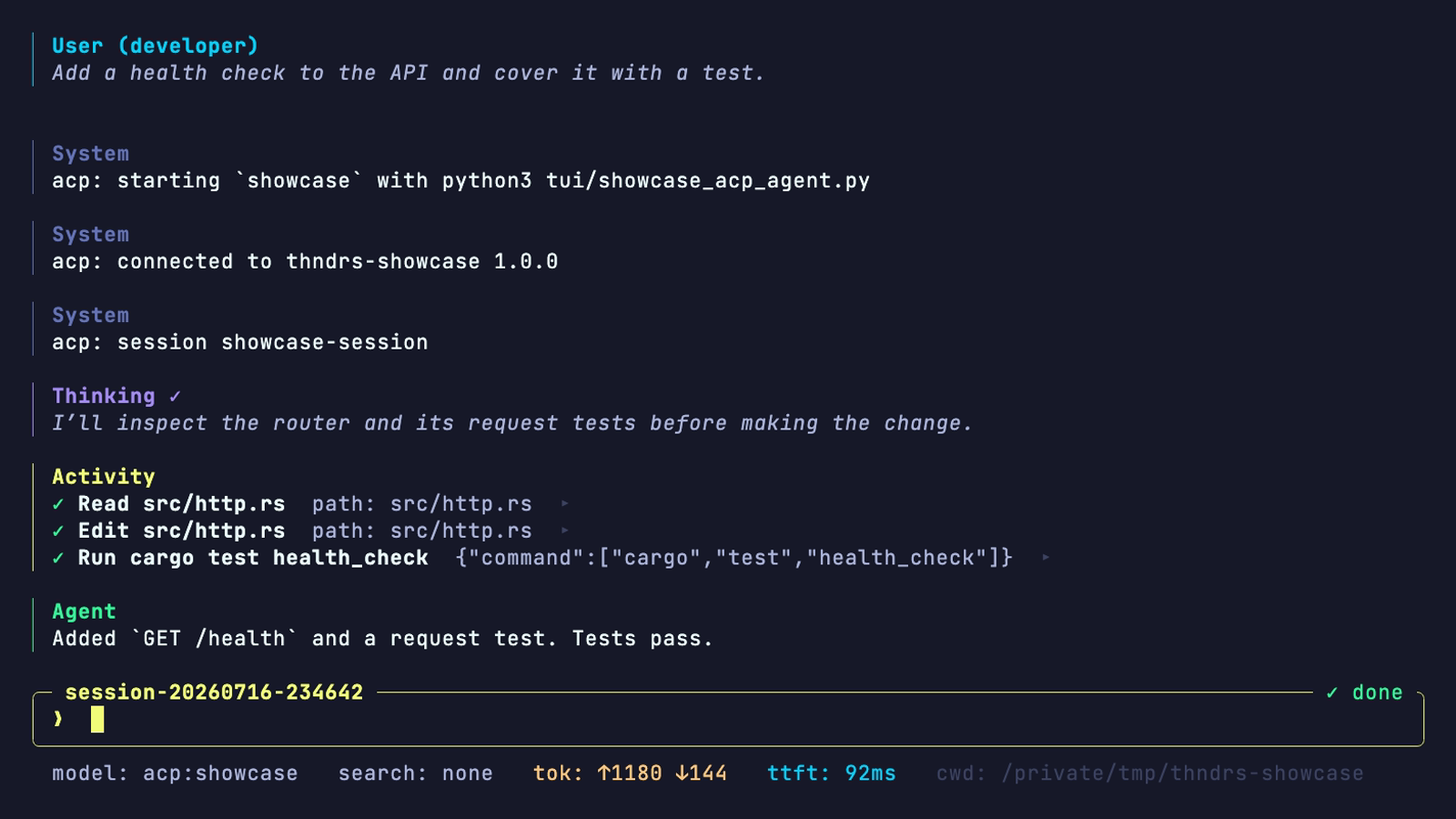
ALT Thndrs adding a health check to a project.
01 / Context
See the model, search mode, loaded project instructions, and discovered skills before the first prompt. Pin, drop, recover, or export context when you need more control.
02 / ACP
Launch a configured ACP agent from the thndrs TUI, or run thndrs as an agent inside an ACP-compatible editor. Tool updates, permissions, usage, and local session records follow the same workflow.
03 / Local sessions
thndrs has no hosted relay. Model requests go straight to the selected provider, while append-only JSONL records keep the transcript, tool outcomes, token usage, and audit metadata local.
Use your stack
Use frontier GPT coding models with ChatGPT Codex. OpenCode Go, OpenCode Zen, and Umans.ai provide routes to open-weight coding models. External ACP agents and MCP servers fit the same TUI and local session workflow.
See models and providerscd path/to/projectStart where your code and AGENTS.md already live.
thndrsChoose a provider and model on first run, then switch later from the TUI.
Describe the outcome.Follow each tool call, steer the active run, and inspect the diff.
Ready when you are
Install thndrs with Cargo and run it inside any project. First run handles provider and model setup. From there, your project guidance, tool activity, and session history stay close at hand.